Generate Scripts
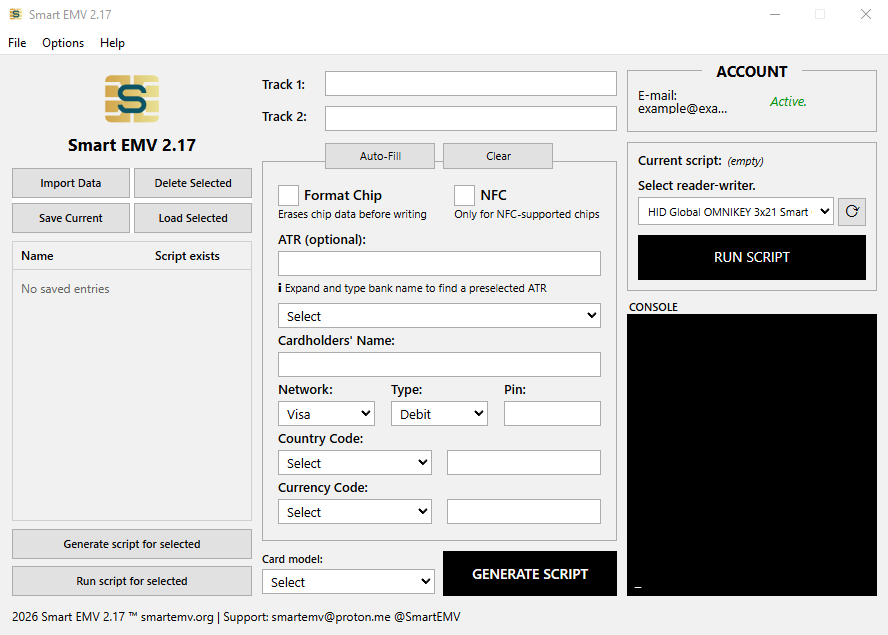
Input your EMV data or 'DUMP' and generate an APDU script for your smartcard reader-writer.

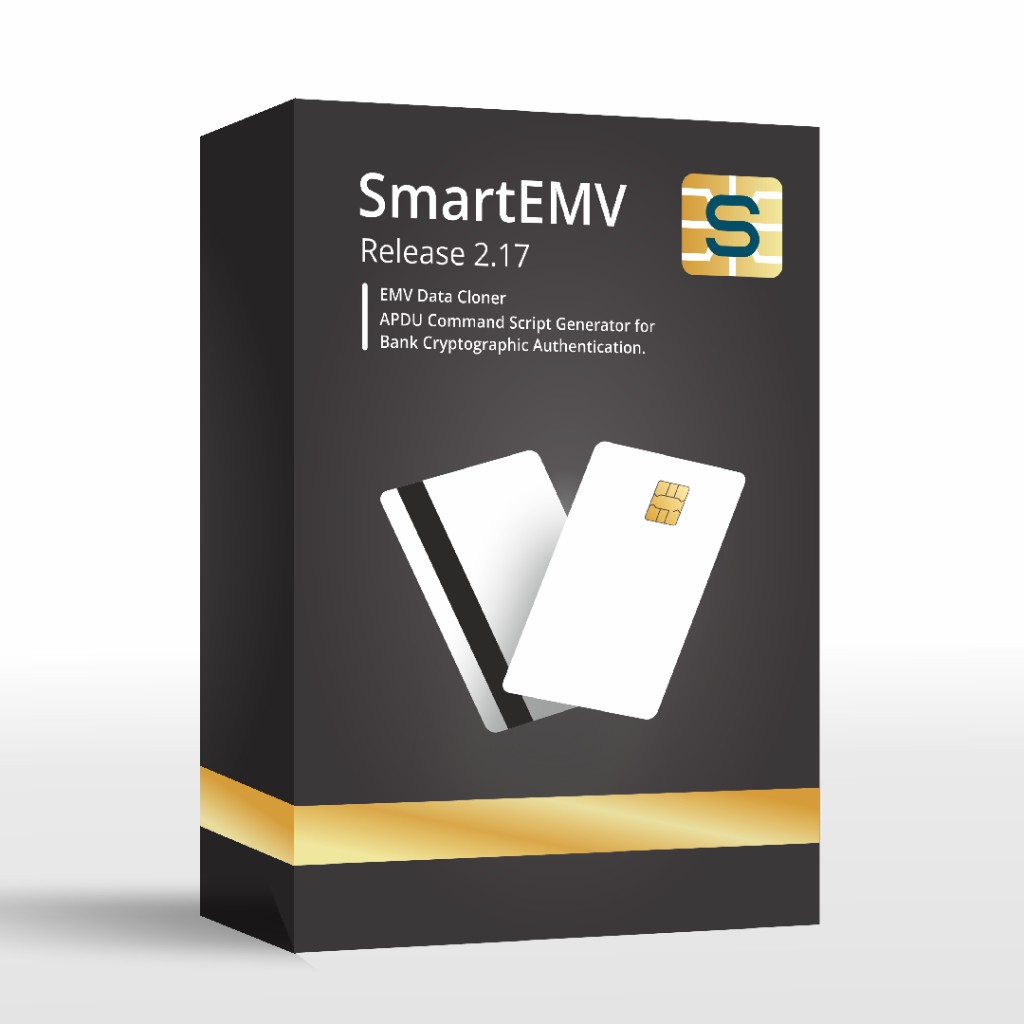
SmartEMV is a desktop toolkit for writing EMV data or 'DUMPS' into smart-card chips.
Learn how to use.
Free to download. Activating your account is required to generate scripts — create an account or read the how-to.
Input your EMV data or 'DUMP' and generate an APDU script for your smartcard reader-writer.
Run the script to a chip over any PC/SC reader, then read it back to confirm the write.
Import and save your dumps for writing multiple chips at a high cadence.
All working algorythms from current ATM systems
Download → create account → activate → open SmartEMV → generate script → run script. Extract SmartEMV.zip, sign in with your license key, enter your tracks, press Generate, then Run with the card in the reader. The How to Use page walks through each step.